Retail & hospitality
Retail and hospitality payroll has to handle shifts that never repeat, seasonal hires, wage changes landing on different dates and year-end reporting, without another deadline someone has to remember. Powerpay turns the hours your team actually worked into accurate pay, keeps each earning on its own line, and can process CRA remittances for you if you opt in.
Who it's for
A server's hourly wage. A sales associate's regular pay and bonus. A cook working a statutory holiday. Each earning is its own line in Powerpay, so pay statements make sense to the employee and year-end T4s add up without a spreadsheet reconciliation. Québec tips tracking is available for Québec staff, and commission can be paid on its own earning code.
Each province sets its own increase date, and youth and student wage rules vary again. Set a minimum hourly rate warning, and Powerpay flags any hourly rate below it before payroll runs. When the rate goes up, Mass Compensation Update changes pay rates for many employees at once.
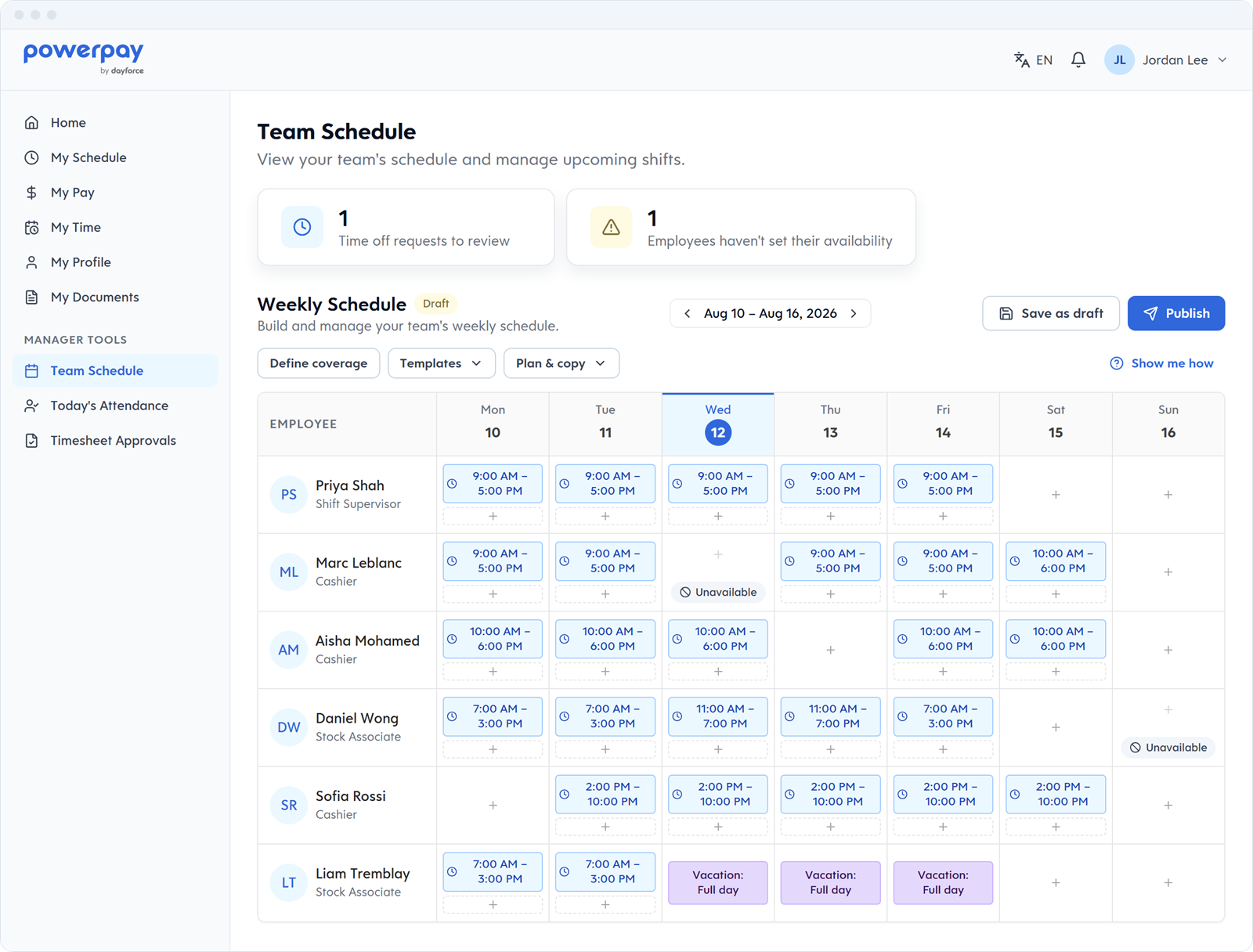
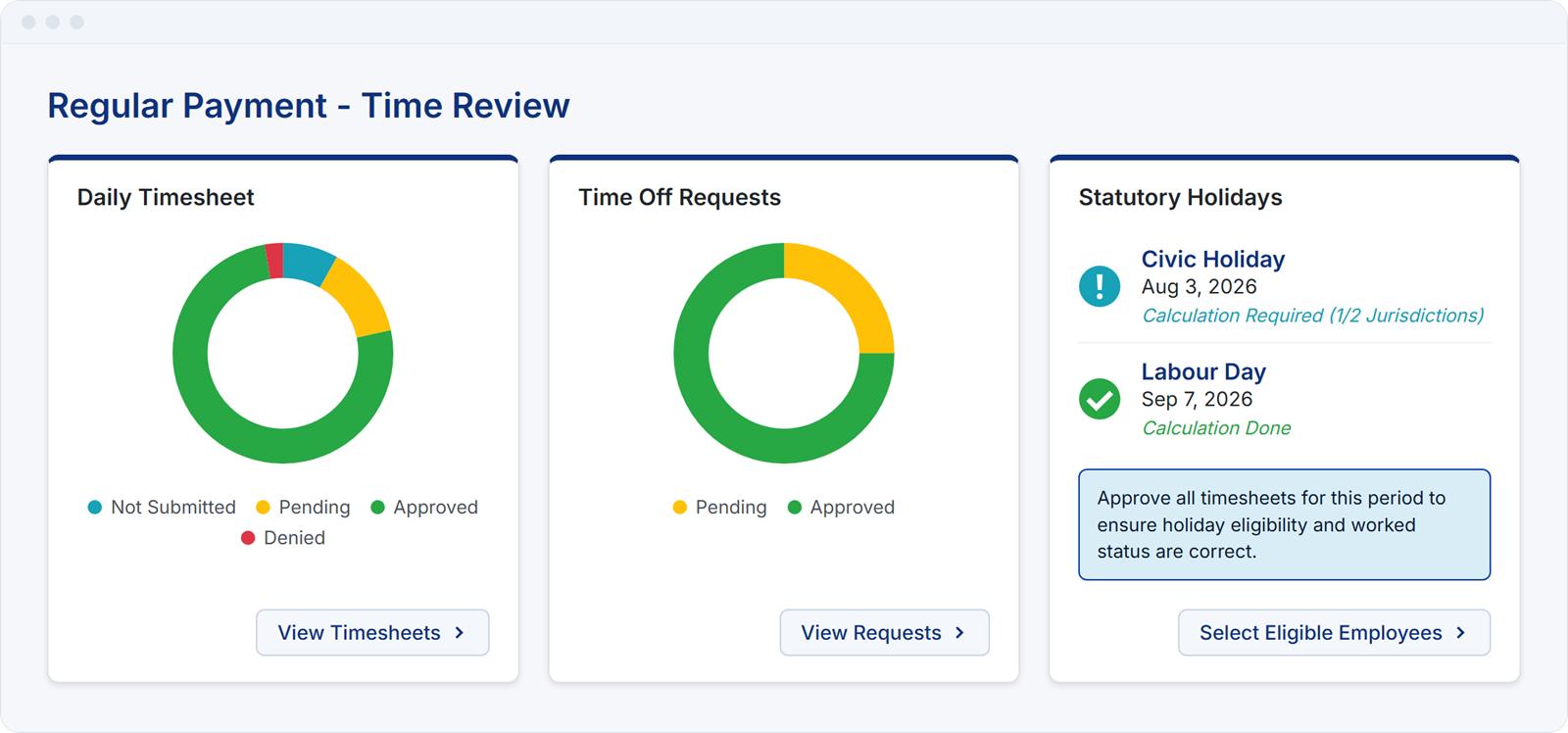
Holiday and summer hires, part-timers picking up extra shifts, split shifts in the kitchen. Approved timesheet hours flow into pay, shift premiums can be paid on top of the hourly rate or on their own, and stat holiday pay is calculated from your timesheet hours and earnings. When the season ends, ROEs go out electronically with your payroll.
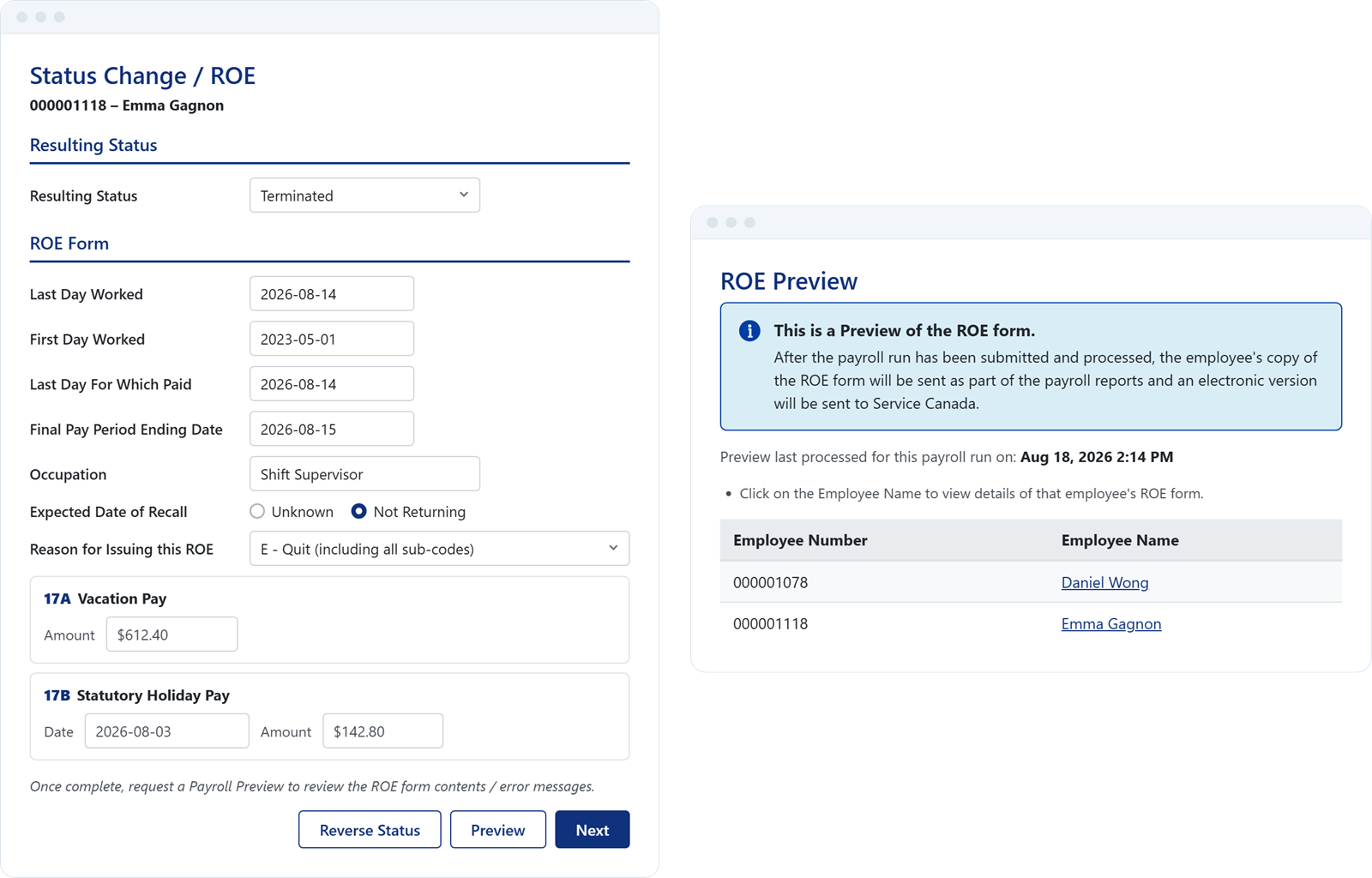
Enter a termination in Status Change / ROE, or many at once with Mass Status Change / ROE. Powerpay creates each ROE with the reason code and insurable earnings and hours, and sends it electronically to Service Canada once your payroll is processed. When a dozen people leave in the same week, it's the same process as one.
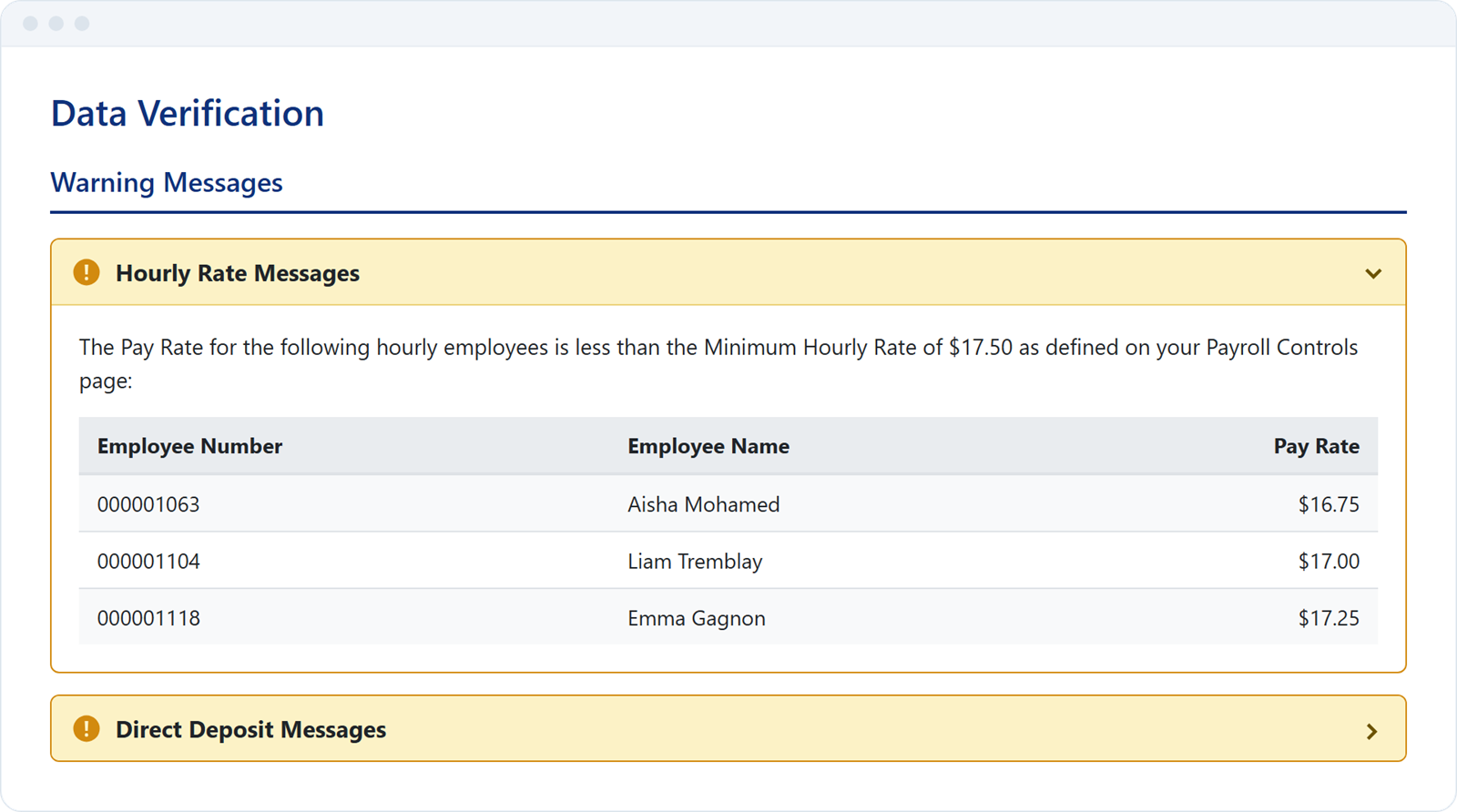
Set a minimum hourly rate warning, and Data Verification flags any hourly employee or exception rate below it before you submit. When a province raises its minimum, update pay rates for many employees at once with Mass Compensation Update.
Weekend and overnight premiums are set up per shift code, either added to the hourly rate or paid on their own. Time & Attendance feeds approved hours into pay directly if you use it; if you don't, hours come in through Custom Import or a supported time-import provider.
Where you operate
A store in Windsor and a restaurant in Sarnia see the same Ontario rules. Locations in Ontario and Québec each get their own provincial rules applied to the right employees, with Québec CNESST premiums tracked, and departments let you allocate costs by department and GL distribution code.
Already running payroll somewhere else?
Powerpay's team handles the move — employee data and year-to-date balances — so you can switch mid-year without a gap in your pay cycle.
Read: The future of payroll in retail & hospitality.
From headache to advantage: how modern payroll frees up time, keeps staff who would otherwise leave over pay errors, and helps you grow into more locations.
Read the articleYes. Bonuses and other earnings you pay through payroll are set up as their own earnings, so each shows as a separate line on the pay statement and carries through to year-end T4s. For Québec employees, tips tracking (declared and allocated tips, with sales tracking) is available, and commission is set up as its own earning code.
Update pay rates for many employees at once with Mass Compensation Update. Set a minimum hourly rate warning, and Powerpay flags any hourly rate below it before you submit payroll.
Yes. Run each location as its own payroll and switch between them from one login, or run one payroll and use departments to allocate costs by location.
We don't recommend it. Payroll with variable hours and seasonal staff should stay under review before submission, since headcount and hours can shift significantly between periods.
Yes. Powerpay calculates statutory holiday pay from your timesheet hours and earnings in supported provinces, and you review it and confirm before it goes out.
A Canadian payroll specialist will walk through variable shifts, tips and commission, seasonal staff, and provincial minimums. No sales pressure, just a conversation about the shape.
